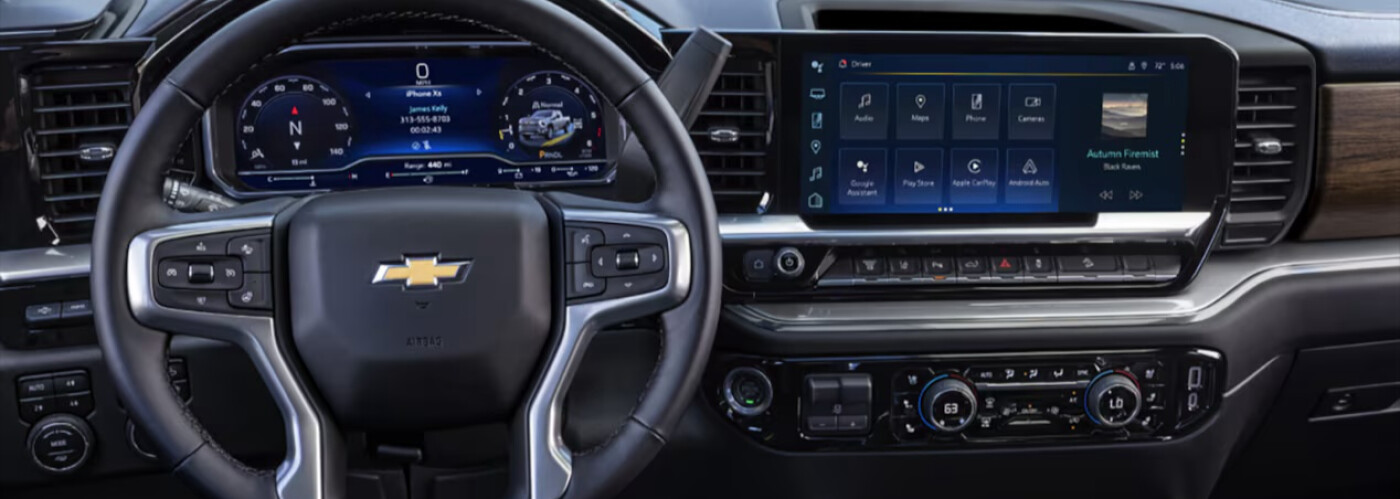
Most newer Chevy vehicles come with built-in Wi-Fi hotspot capabilities through OnStar. But how do you start using the Wi-Fi capabilities in your new Chevy vehicle? Discover how to connect to Chevy Wi-Fi in this comprehensive guide or bring your car into the service center at Hardy Superstore, your Marietta-area Chevy dealership.
It’s quick and easy to set up your vehicle’s Chevy Wi-Fi hotspot, though you’ll first need to opt into a paid OnStar data plan. After you’ve signed up, simply follow these steps:
Once you’ve set up your Chevy Wi-Fi hotspot, you’ll need to connect your device. Follow these simple instructions and you’ll have access to a high-speed connection on all your Cartersville trips!
In addition to providing mobile Wi-Fi internet, your new Chevy also makes your drives around Douglasville easier with a full lineup of advanced tech, including:
Ready to take advantage of the Chevy Wi-Fi hotspot and all of the other connectivity features available from Chevy? Come check out all the used vehicle specials going on right now at Hardy Superstore. And if you have any questions, don’t hesitate to visit us in Dallas, give us a call at 678-564-1538, or contact us online!
678-564-1538
Call Now1249 Charles Hardy Parkway • Dallas, GA 30157
Get DirectionsOpen Today! Sales: 8:30am-7pm

